
BundleBee AI Review 2026
I Built Real Bundles
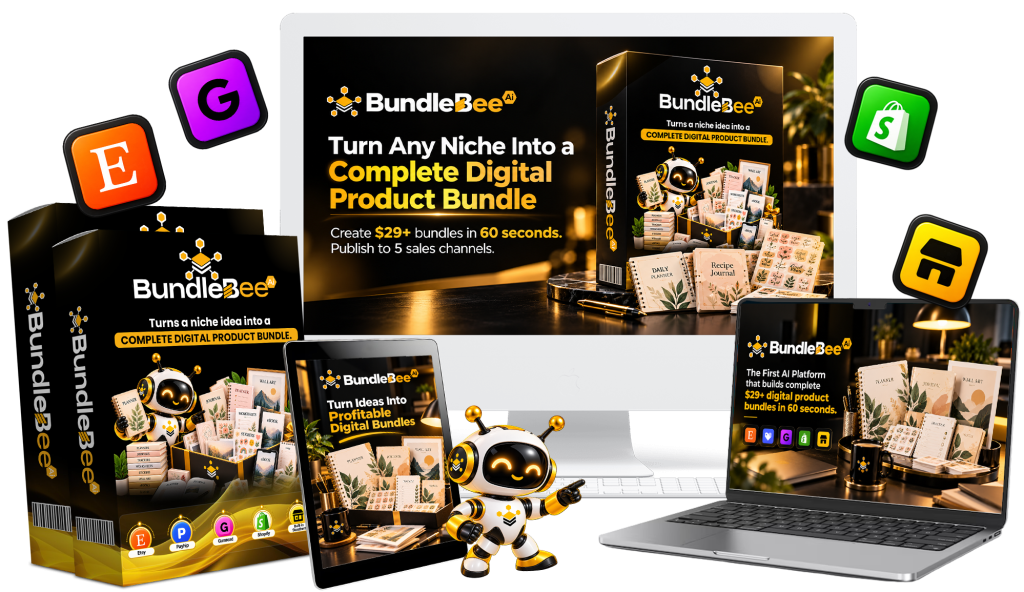
Most people who want to sell digital products on Etsy or their own store hit the same wall. They need planners, trackers, wall art, journals, stickers, and matching listings, then they have to format everything, create mockups, and upload to multiple platforms. BundleBee AI is built around that bottleneck. Daniel Adetunji is not selling another generic AI image generator. He is selling a system that takes one niche idea and turns it into a complete $29-style digital bundle ready for five stores.
That is a bold promise for a $14 front end. The launch window was late October 2026. In this review I go through what you actually get when you log into the member area, how the bundle builder performed on real projects, how much every upsell costs if you take the full funnel, and where the sales page claims differ from the software. If you are thinking about adding BundleBee AI to a digital product workflow, this should give you a practical picture before you buy.
BundleBee AI Review – Quick Overview
| Item | Detail |
|---|---|
| Product | BundleBee AI |
| Creator | Daniel Adetunji (Bluecode Apps) |
| Type | Cloud-based AI digital bundle builder |
| Front-end price | $14 one-time (early bird; higher after launch) |
| Launch window | October 2026 |
| Core promise | One niche idea into a complete digital bundle published to 5 stores |
| Stores supported | Etsy, Payhip, Gumroad, Shopify, built-in store |
| Product types | 20+ (planners, wall art, journals, stickers, trackers, etc.) |
| Direct one-click publish | Yes, after connecting stores |
| Guarantee | 30-day money-back |
| Best for | Sellers who want faster digital bundle production across multiple platforms |
What BundleBee AI Actually Is
BundleBee AI is a cloud tool that generates complete digital product bundles from a niche idea. You type something like “ADHD focus planner” or “boho nursery wall art,” choose a style, and the system produces planners, trackers, journal pages, stickers, wall art in multiple sizes, mockups, and platform-specific listings. It then packages everything so you can push the same bundle to Etsy, Payhip, Gumroad, Shopify, and a built-in storefront.
I treated it as a production assistant for digital products rather than a fully hands-off income machine. That framing matched what I saw after logging in and building several bundles.
My Testing Process and Setup
I ran four different projects to test the core workflow. The first was an ADHD focus planner bundle. The second was a simple budget tracker set. The third was a set of wall art prints in a minimalist style. The fourth was a short teacher resource pack with worksheets and stickers.
For each project I entered the niche, selected a style (minimalist, boho, or pastel), generated the full bundle, then reviewed every file, mockup, and listing before deciding what to keep or regenerate. I also connected a test store on one platform to check the publishing step. Setup took a few minutes after purchase. The dashboard is browser-based and requires no installation.
Step-by-Step: How I Used the Tool
Here is the sequence I followed on each project.
1. Log in and open the AI Bundle Builder.
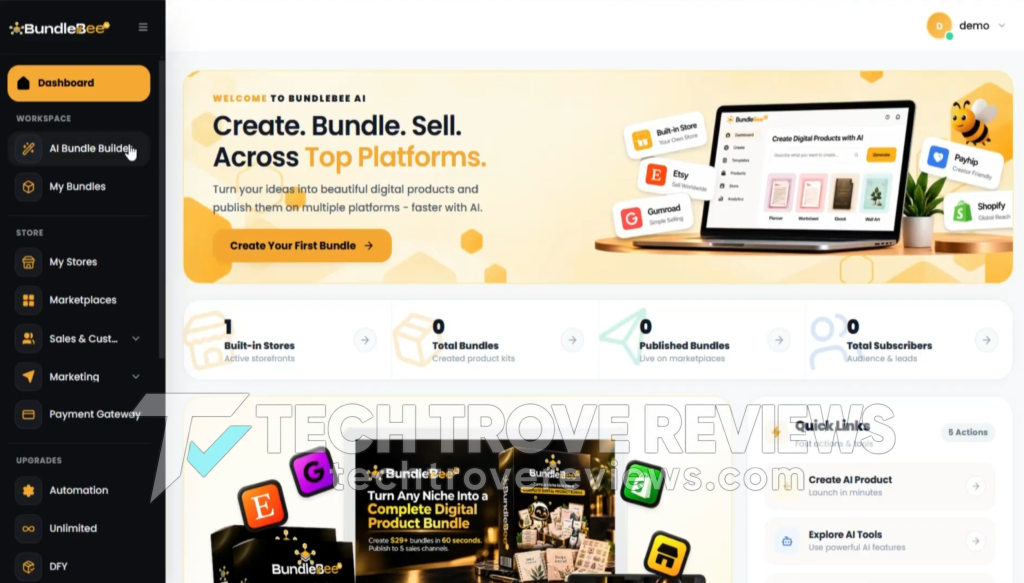
2. Enter a niche idea or pick from the proven niche library.
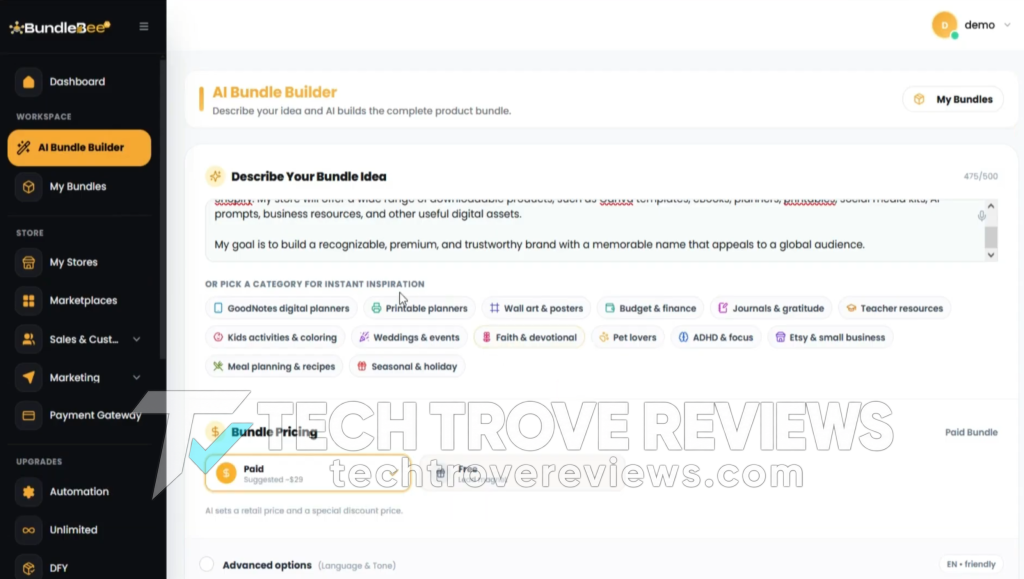
3. Choose paid or free, set language and tone, then select a visual style.
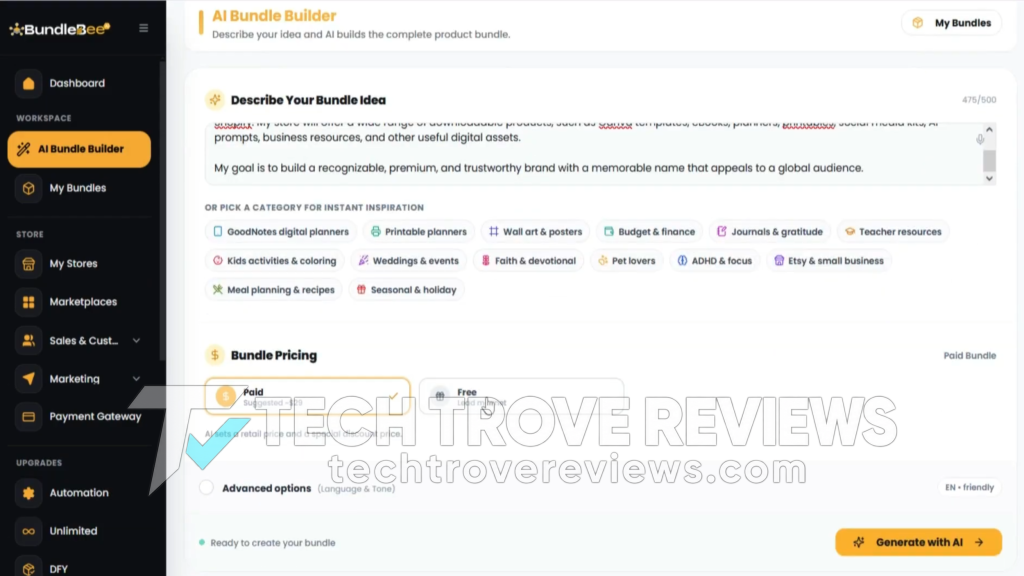
4. Click generate. The system produces the bundle in under a minute in most cases.
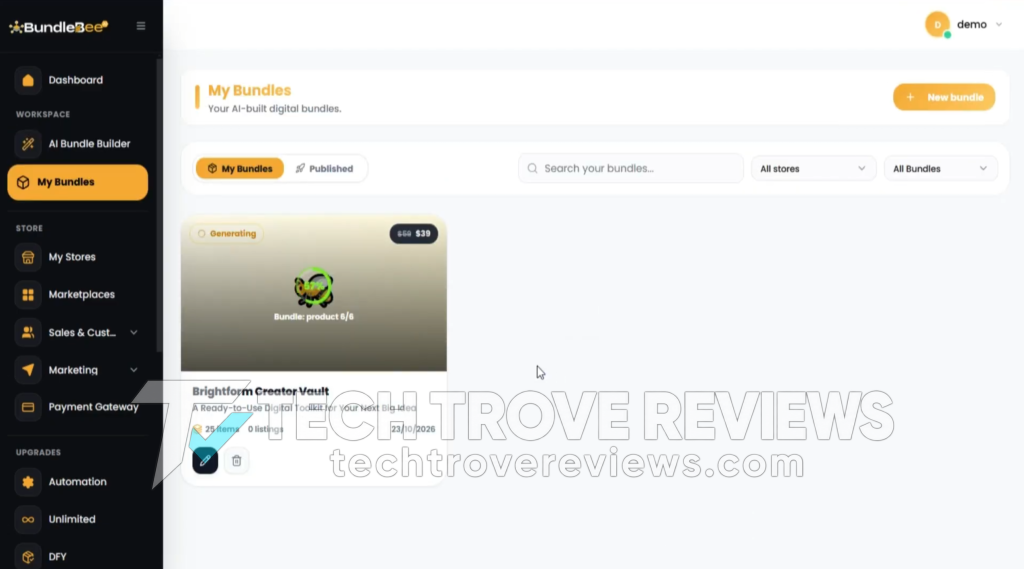
5. Open the bundle in the editor and review the blueprint (name, headline, description, buyer persona).
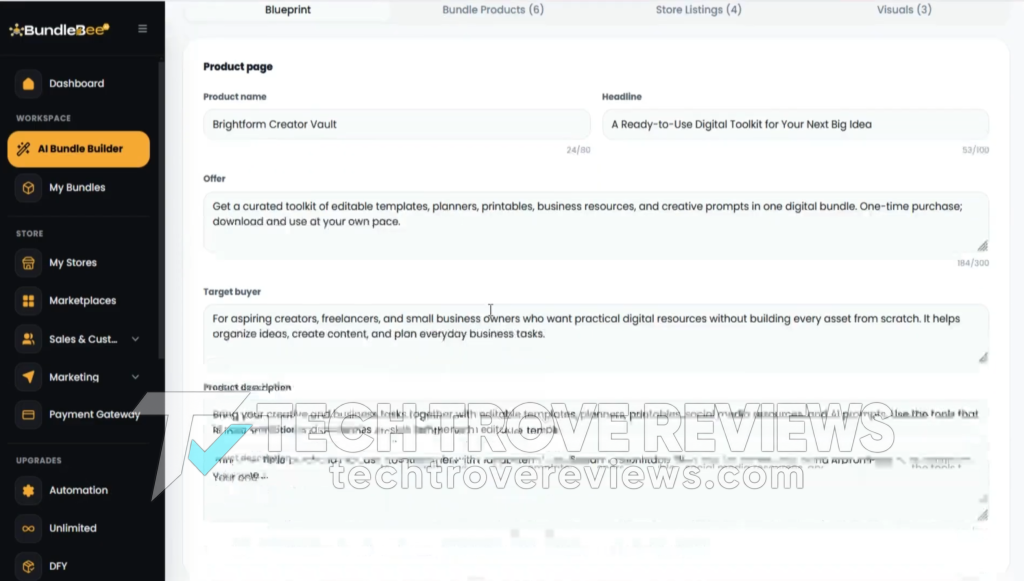
6. Inspect individual files (PDFs, hyperlinked planners, wall art sizes).
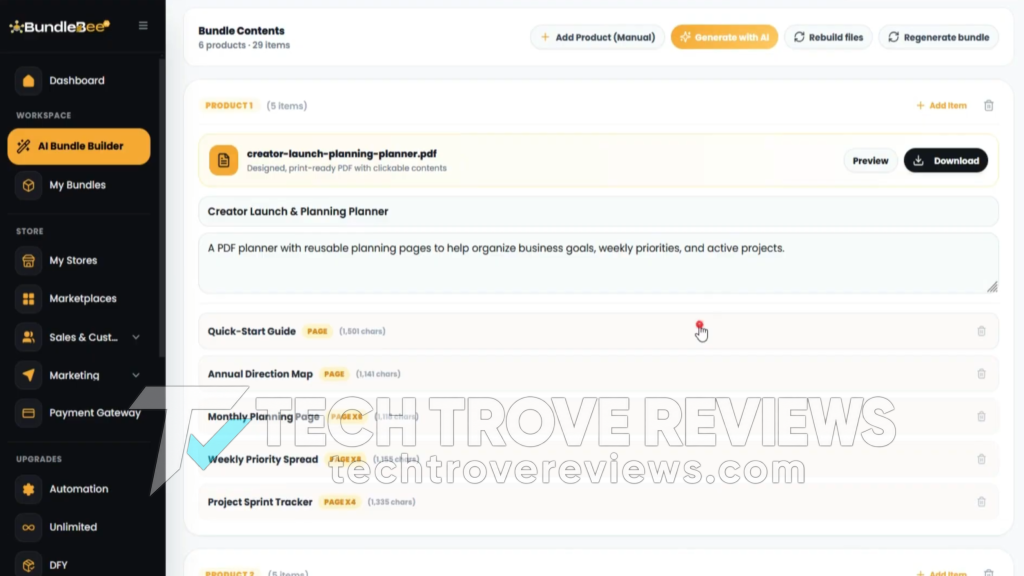
7. Check and regenerate mockups or covers if needed.
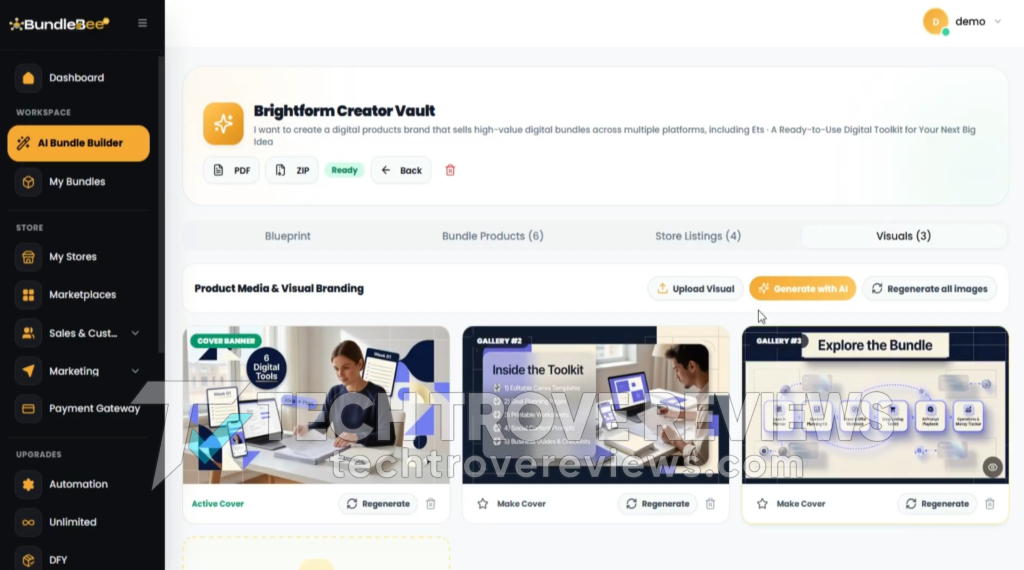
8. Review the SEO listings generated for each platform & adjust pricing suggestions if desired.
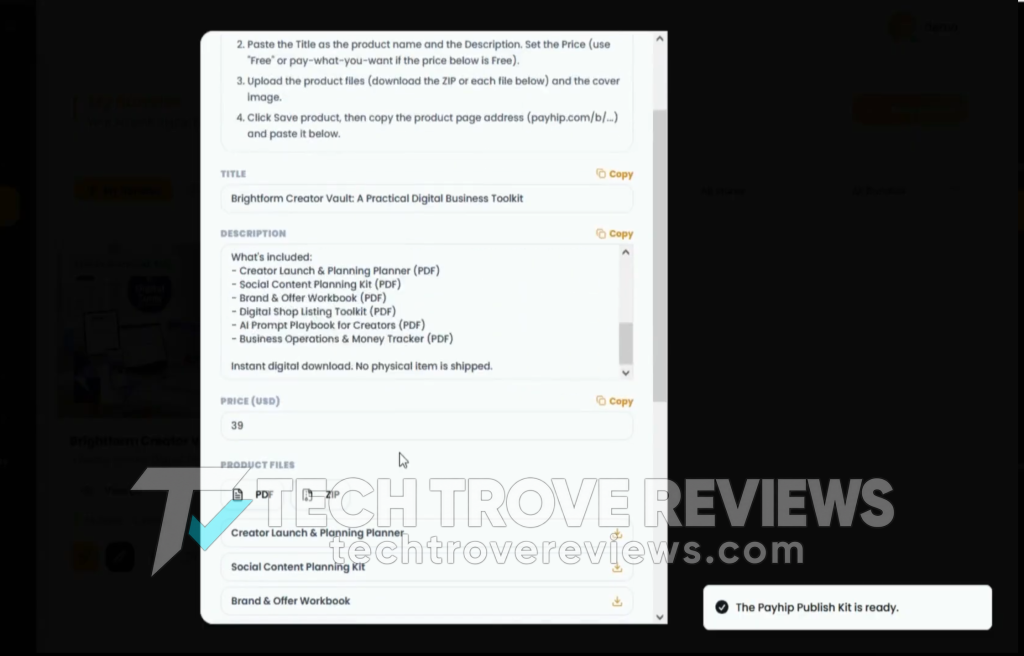
9. Select the stores and publish (or schedule).
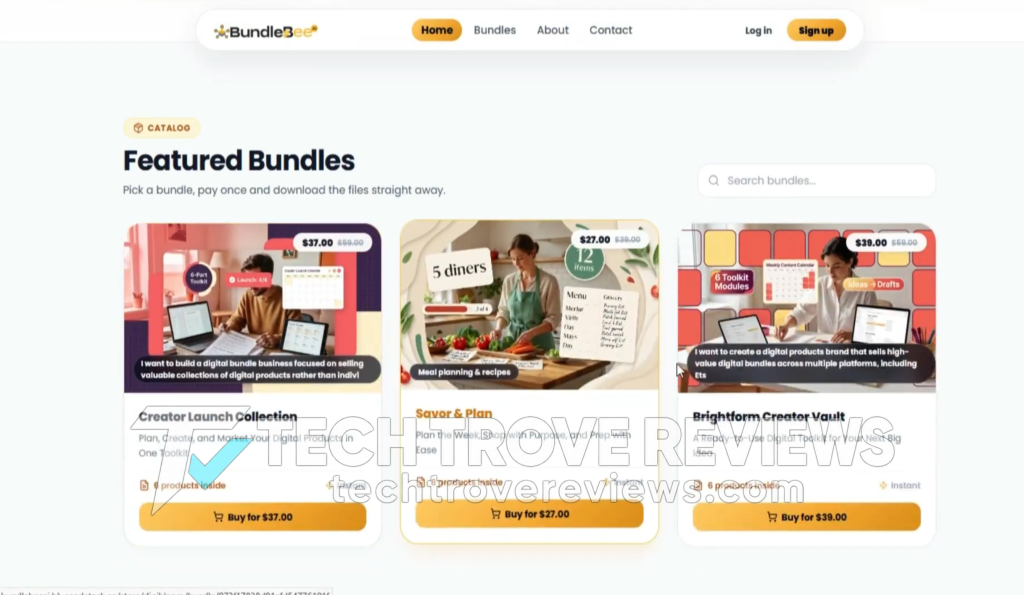
10. Monitor status in the Honey Dashboard.
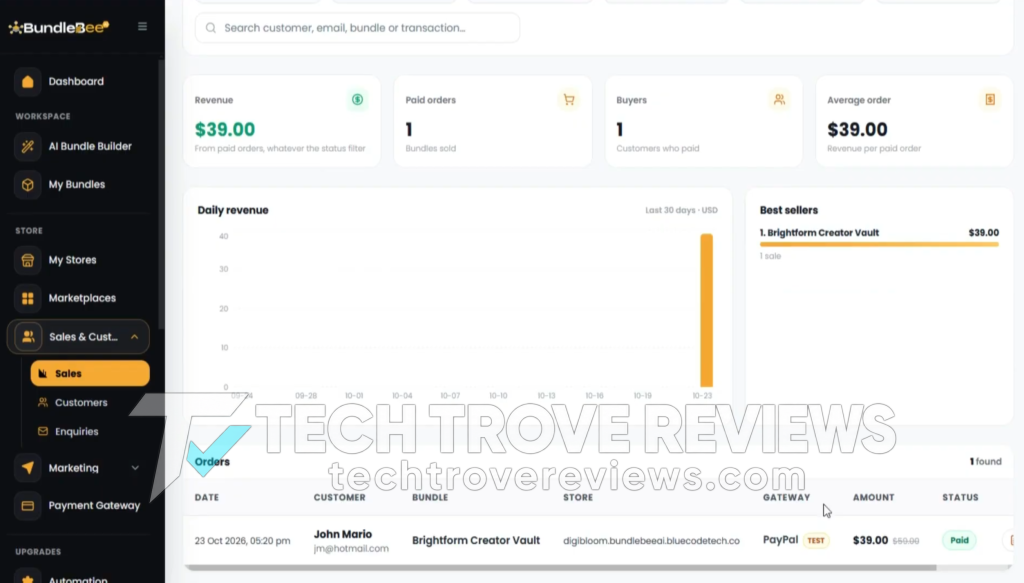
The process was consistent. The main variables were how much editing the listings and mockups needed and how clean the generated files looked on first pass.
For a comprehensive walkthrough of the platform, check out the demo video below:

Real Output Quality and Editing Time
The first ADHD planner bundle came out with hyperlinked pages that worked in GoodNotes-style apps, a set of trackers, and matching stickers. The structure was usable. I still spent about 25 minutes cleaning a few layout quirks and rewriting the Etsy description so it did not sound overly generic. The wall art set exported correctly in the advertised ratios (2:3, 3:4, 4:5, A-sizes, 11×14). Mockups of the prints on walls and desks looked professional enough for listings after one regeneration on two of them.
The budget tracker set was faster. Most of the files were ready after a quick review. The teacher pack needed more attention on the worksheet layouts. Overall, none of the bundles were zero-edit, but all of them were faster than building the same collection manually in Canva or Affinity.
The front-end includes limits of roughly 50 bundle builds and 10 remixes per month. Once you approach those numbers the system prompts the Unlimited upgrade. I stayed inside the limits during testing.
Features That Worked Well in Testing
The multi-store packaging is the clearest time saver. Generating one set of assets and then pushing them to five platforms from a single dashboard removes a lot of repetitive uploading. The Store Sync feature means a price or description change can be applied across stores without repeating the work.
Hyperlinked planners were a practical addition. Several of the planner pages included clickable navigation that worked when opened in tablet apps. Wall art multi-size export saved the usual resizing step. The Duplicate & Remix function let me turn one approved bundle into a second style variation (for example, switching the ADHD planner from minimalist to pastel) without starting from zero.
The built-in storefront is simple but functional. You can set logo, colors, and a basic checkout. It does not replace a full Shopify theme, but it gives you an owned channel that is not subject to marketplace rules.
Features That Did Not Match the Strongest Sales Claims
The sales page talks about complete bundles in under 60 seconds that are ready to sell with almost no work, and about one sale per store per day producing $145. In practice the generation is fast, but review and light editing are still required before most bundles look polished enough to list. Marketplace algorithms and competition still determine whether anything sells.
Publishing is one-click only after the stores are connected and any required API or login steps are completed. It is not fully automatic from a blank account. Etsy compliance tools (AI disclosure, quality checks) are present, but you remain responsible for what appears under your accounts. Amazon KDP or print-on-demand expansion appears in upsells rather than the base product.
Income examples on the sales page are not typical results. Most digital products, even well-made ones, need traffic, reviews, and iteration. The tool accelerates production; it does not guarantee sales.
Pricing and the True Cost of the Funnel
The front-end is $14 one-time during the launch window. After the launch the regular price is listed as $97 per month on the sales page. There is no monthly fee while you stay on the launch offer.
The full funnel contains multiple upsells. Approximate list prices (before downsells) are:
- OTO 1 Unlimited Pro: $67–$97
- OTO 2 Hive Autopilot: $67
- OTO 3 Bee Sniper: $67–$97
- OTO 4 Buzz Traffic Engine: $67–$97
- OTO 5 Honey Rights: $67
- OTO 6 Full Hive DFY: $97–$197
- OTO 7 Agency: $97–$197
- OTO 8 Reseller: $97–$147
- OTO 9 White-Label: $197–$297
Buying every upsell at the higher listed price adds up to roughly $900–$1,200. Taking the lower tier or the exit pop-up price on each reduces the total substantially, often into the $400–$600 range depending on which downsells appear. Most buyers will only need the front-end plus the Unlimited upgrade if they plan to create more than 50 bundles a month. The later upsells (traffic engines, agency tools, reseller rights) are optional and only useful if those specific business models match your goals.
Bonuses listed during launch include ready-made starter bundles, a seasonal calendar, a service-selling kit, Pinterest templates, and a profit calculator. These are available on the launch offer.
Use code BundleBee35 to get 35% off any item (FE & all OTOs) in the funnel.

Pros and Cons
Pros
- Fast generation of complete digital bundles from a single niche idea
- Multi-store publishing and sync across five platforms
- Hyperlinked planners and multi-size wall art export
- Remix and seasonal collection tools for variations
- Low $14 front-end price with 30-day guarantee
- Commercial license included
- Built-in storefront option
Cons
- Monthly limits on the base plan (roughly 50 builds / 10 remixes)
- Output still needs human review and light editing
- Strongest sales claims overstate hands-off results
- Full funnel contains many optional upsells unrelated to core creation
- Marketplace rules and competition still apply
- Quality varies by niche and style; some packs need more cleanup
Who BundleBee AI Fits
It fits sellers who already sell (or want to sell) digital products and want a faster way to produce planners, printables, wall art, and matching listings for multiple platforms. It also fits freelancers who offer custom planner or bundle services to clients and need a production tool.
It does not fit people looking for a completely passive system that generates sales with no traffic or marketing work. It is a poor match if you need highly custom, hand-designed products that must match an exact brand style with zero editing. It is also not ideal if you only want to sell on one platform and have no interest in multi-store distribution.
Limits and Practical Realities
The base plan caps production. Heavy volume requires the Unlimited upgrade. AI-generated designs and text still benefit from a human pass for consistency, spelling, and brand fit. Etsy and other marketplaces can reject or limit AI-heavy listings if they violate current policies; the compliance tools help but do not remove the risk.
Sales depend on niche selection, listing quality, pricing, and traffic. One sale per store per day is possible in theory but not typical for new accounts. The built-in store removes marketplace fees but still needs its own traffic.
Common Mistakes to Avoid
Do not publish every generated bundle without reviewing the files and listings. A few layout issues or generic descriptions can hurt conversion. Do not rely solely on the proven niche library; validate demand on the platforms you plan to use. Avoid buying every upsell unless you specifically need agency, reseller, or traffic features. The core tool plus Unlimited is sufficient for most production needs.
Long-Term Catalog Strategy
The practical approach is to generate a small number of high-quality bundles, clean them thoroughly, publish across the five stores, then use Remix to create style variations of the winners. Schedule new seasonal collections in advance. Use the Honey Dashboard to see which platforms and bundles actually produce sales, then double down on those. The commercial license lets you also offer the same bundles as a service to clients if you want a second revenue stream.
Final Verdict
After building and reviewing multiple bundles, BundleBee AI is a capable production tool for digital product sellers. It compresses the steps of creating planners, printables, wall art, mockups, and multi-platform listings into one dashboard. It does not remove the need for review, light editing, or marketing.
At the $14 launch price it is reasonable to test if multi-store digital bundles fit your plans. Buy the Unlimited upgrade only if you expect to exceed the monthly limits. Skip the later upsells unless those specific features match a clear business model. Treat the tool as a production accelerator, not a guaranteed income system.
If your goal is to create and distribute more digital products across several platforms with less manual work, the bundle builder and multi-store tools are the strongest parts of what I tested. If you need perfect custom design with zero editing or fully automatic sales, look elsewhere.
FAQs
Does BundleBee AI publish directly to the stores?
Yes, after you connect the accounts. The one-click step works once the stores are linked.
Do the generated bundles need editing?
In my tests, yes. Most needed 15–40 minutes of review and light cleanup before they were ready to list.
Is there a monthly fee on the front-end?
No. The launch offer is a one-time payment. Limits exist until you buy Unlimited.
Can I sell the bundles as a service to clients?
Yes. The commercial license is included.
What are the main limits on the base plan?
Roughly 50 bundle builds and 10 remixes per month.
How long does a full bundle take to generate?
Most completed in under 60 seconds, plus the time you spend reviewing.
Exclusive Bonuses From Me
When you get BundleBee AI through my link, I’m also including a few exclusive bonuses to help you get started faster.
You’ll receive access to these bonuses after purchase through my link:
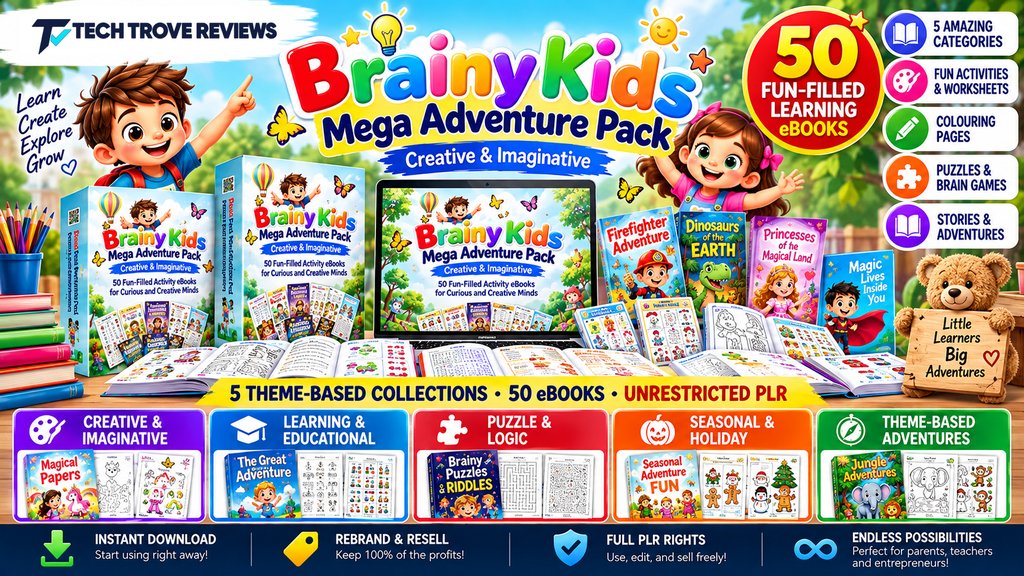
Bonus 1: Brainy Kids Mega Adventure Pack
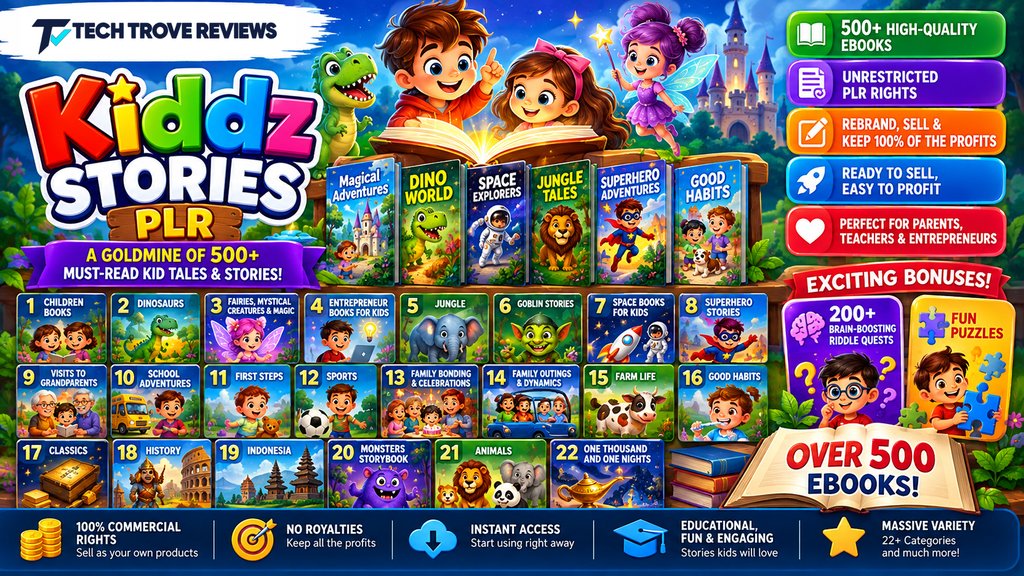
Bonus 2: Kiddz Stories
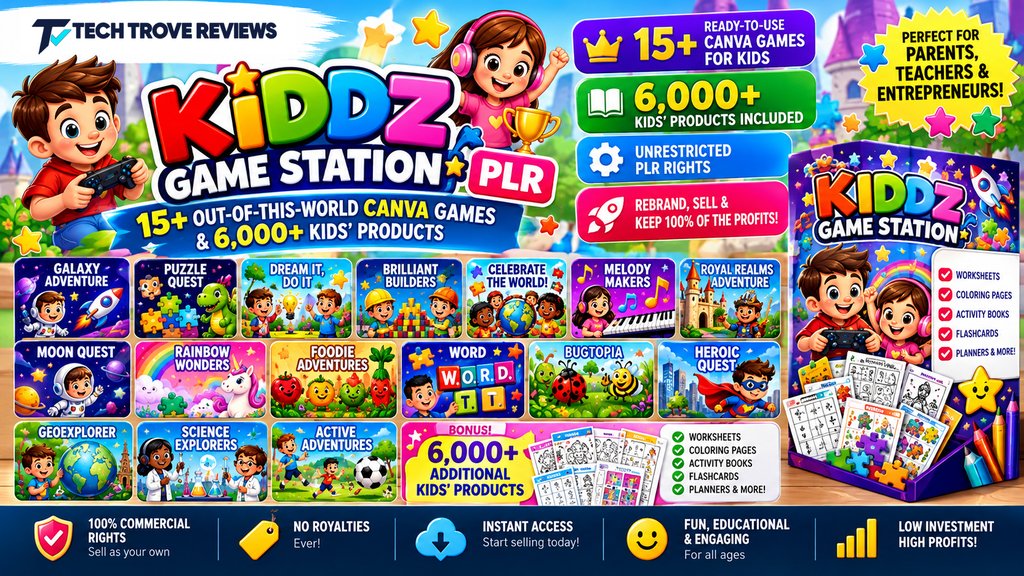
Bonus 3: Kiddz Game Station
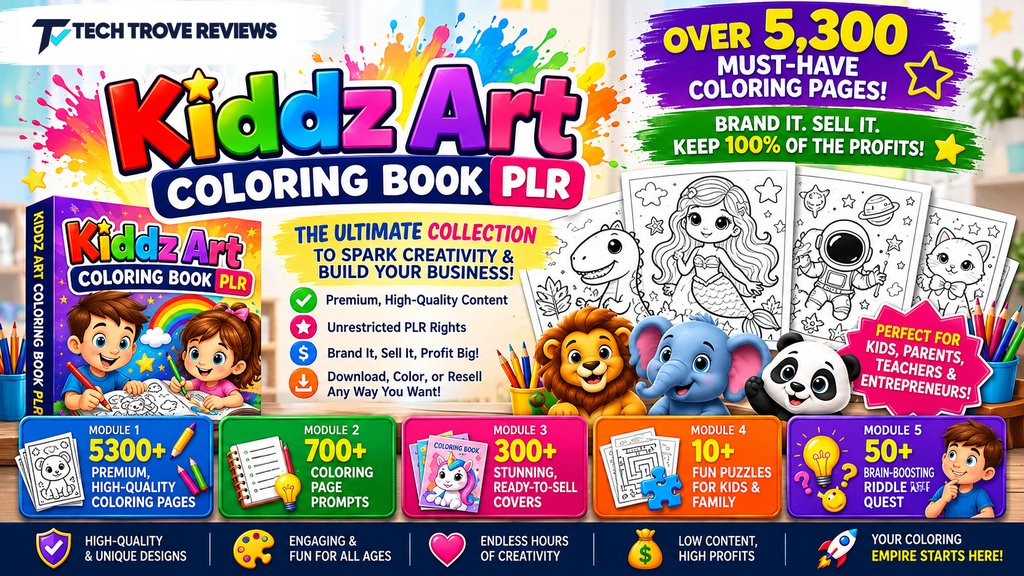
Bonus 4: Kiddz Art Coloring
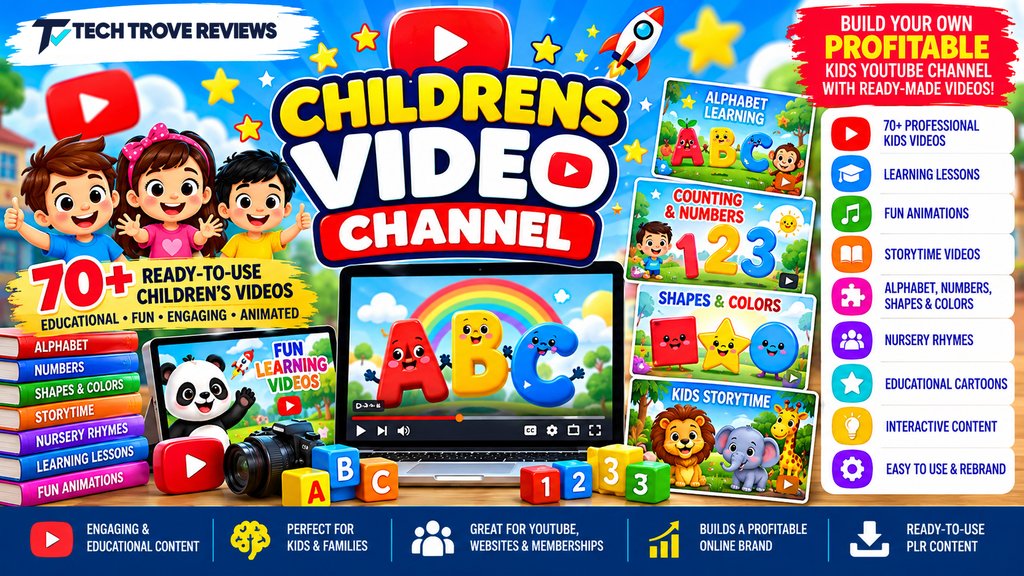
Bonus 5: Childrens Video Channel
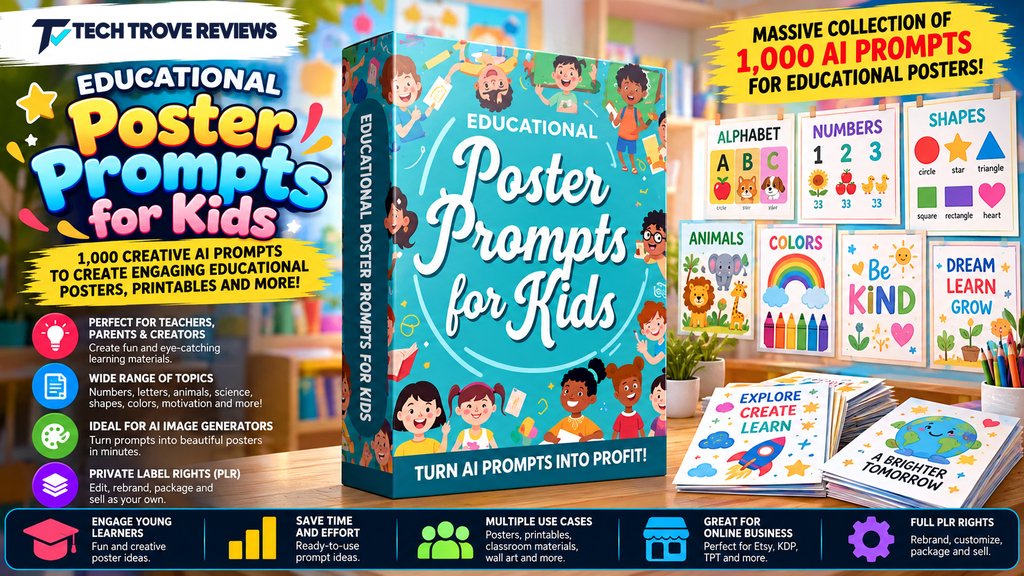
Bonus 6: Educational Poster Prompts for Kids
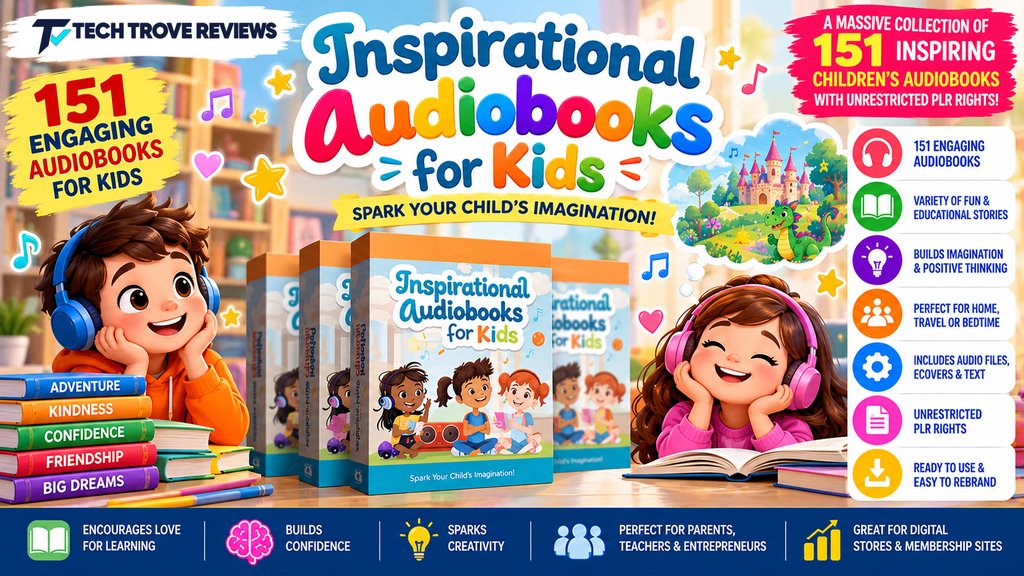
Bonus 7: Inspirational Audiobooks for Kids
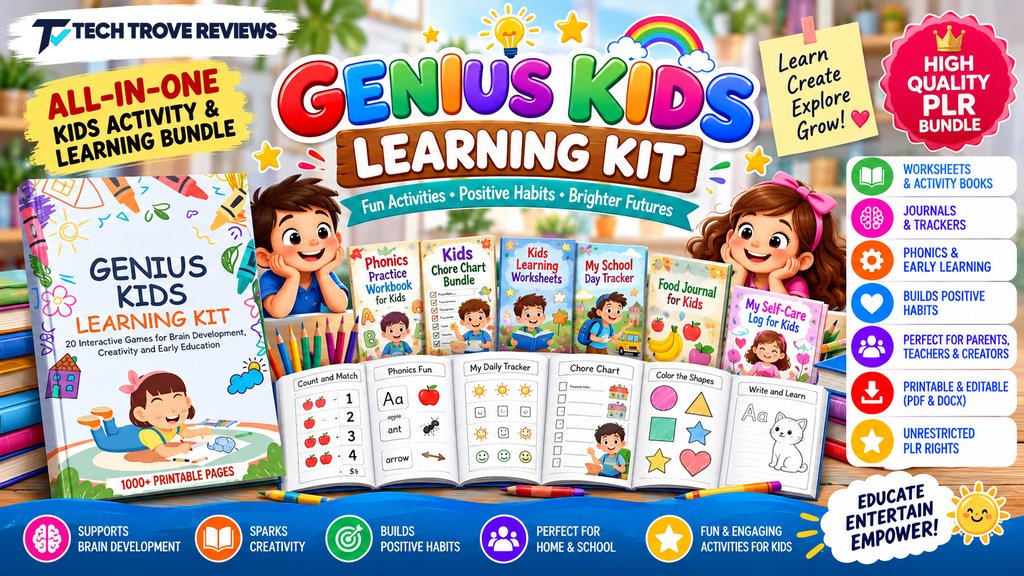
Bonus 8: Genius Kids Learning Kit
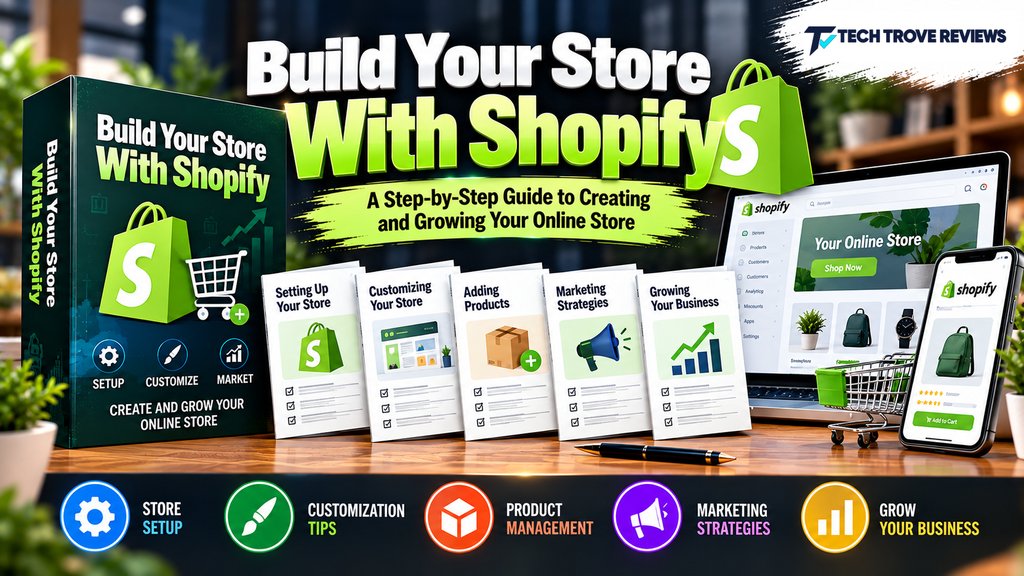
Bonus 9: Build Your Store With Shopify
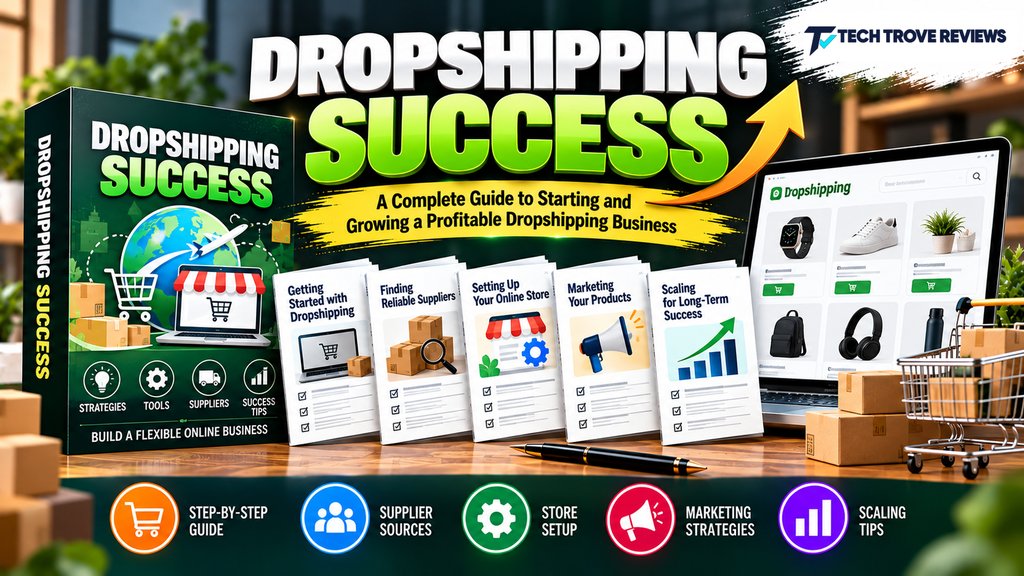
Bonus 10: Dropshipping Success
Use coupon code BundleBee35 at checkout.

Thank you for supporting my review! Enjoy BundleBee AI and your bonus package.
BundleBee AI Review: I Tested the Bundle Builder

BundleBee AI is an AI tool that turns a single niche idea (e.g., “ADHD planner” or “boho wall art”) into a complete digital product bundle in under 60 seconds.It generates planners, trackers, journals, stickers, wall art, mockups, and SEO listings, then lets you publish the same bundle to multiple stores (Etsy, Payhip, Gumroad, Shopify, and a built-in store) with one click.
Product Brand: Daniel Adetunji
Product Currency: USD
Product Price: 14
Product In-Stock: InStock
4.2